Skip to content

Integrating with a Slack bot (SaaS)

Learn how to configure AI Security as a bot in your Slack environment using our SaaS (Software as a Service) platform. This tutorial walks you through the complete process of creating, configuring, and installing your AI Security Slack bot.

PREREQUISITES

You must have an active AI Security AI Guardrails subscription, and be an administrator user of your organization's Slack environment.

Create a bot project

A bot project is a fundamental component for your Slack integration. For the purpose of this tutorial, we will use the project to configure some basic settings and generate the necessary credentials.

To create a bot project:

  1. Log in to AI Security.
  2. From the menu, select Projects.
  3. In the Quick project setup section, select the Bot (Slack or Microsoft Teams) option, and then select Create.
  4. In the popup, complete the basic configuration for your bot:
    • In Bot name, enter the name for your bot.
    • From the available models list, choose the AI model you want to use for your bot.
    • From the Assign project admins list, select one or more administrator users to manage your bot configuration.
  5. Select Create.
    AI Security displays confirmation that the bot with the default scanners enabled was created and is connected to the chosen AI model.
  6. In the next popup, select Generate API key.
    AI Security generates and assigns an API token for your bot project.

    STORING THE TOKEN

    Make sure you store the token securely, as it is required to complete the configuration in Slack.

  7. Select Next.
  8. In the next popup, select the Slack option, and then select Next.
    A browser window opens, requesting permission to add the bot to Slack.
  9. Select Allow.

Your AI Security bot project is added to Slack, in the Apps section, and is ready to be configured.

Configure the AI Security bot app in Slack

Establish the connection between your Slack environment and the AI Security bot, enabling secure communication and functionality.

To configure the AI Security bot app:
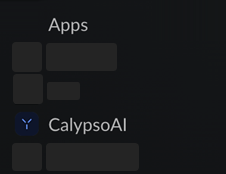
  1. From the Slack main menu, in Apps, select AI Security. Open AI Security app
  2. In the message text box, enter and send the /configure command.
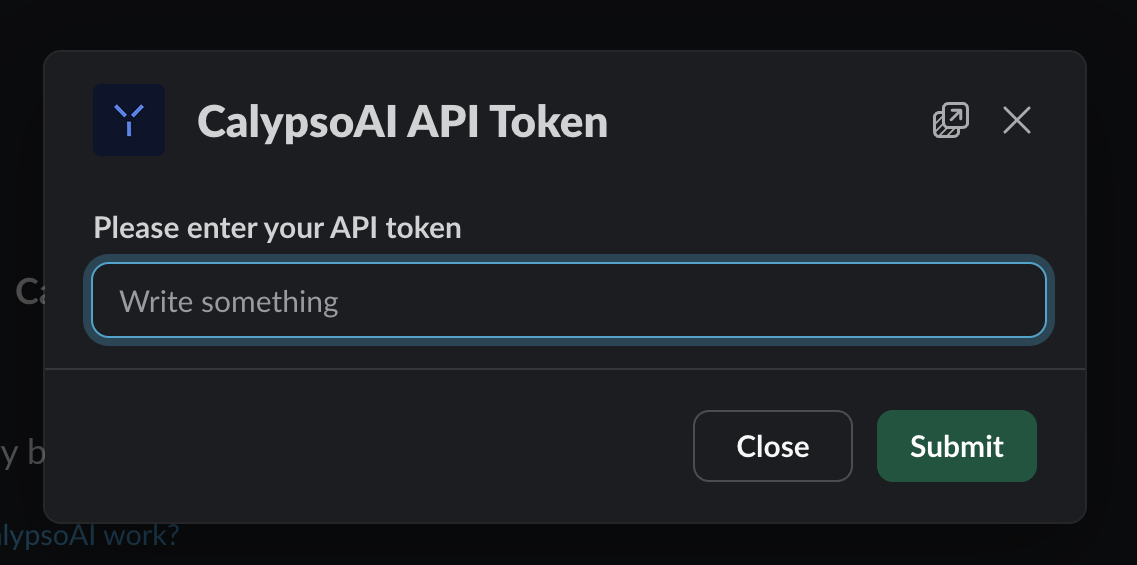
  3. In the response box from AI Security, enter the API token you created for the AI Security bot project, and then select Submit.
    Slack API token submission

After the token is accepted, your Slack integration is complete and you can start interacting with the AI Security bot through the message text box:

  • To list the AI models available in the chat, enter and send /models.
  • To start a new chat with the default model, enter and send /chat <YOUR-MESSAGE>.
    For example: /chat What is the capital of Peru?.
  • To start a new chat with a specific model, enter and send /chat-with <MODEL-NAME>.
    For example: /chat-with gpt-4.

ABOUT TAB

You can select the About tab to view app permissions and see a list of available commands.
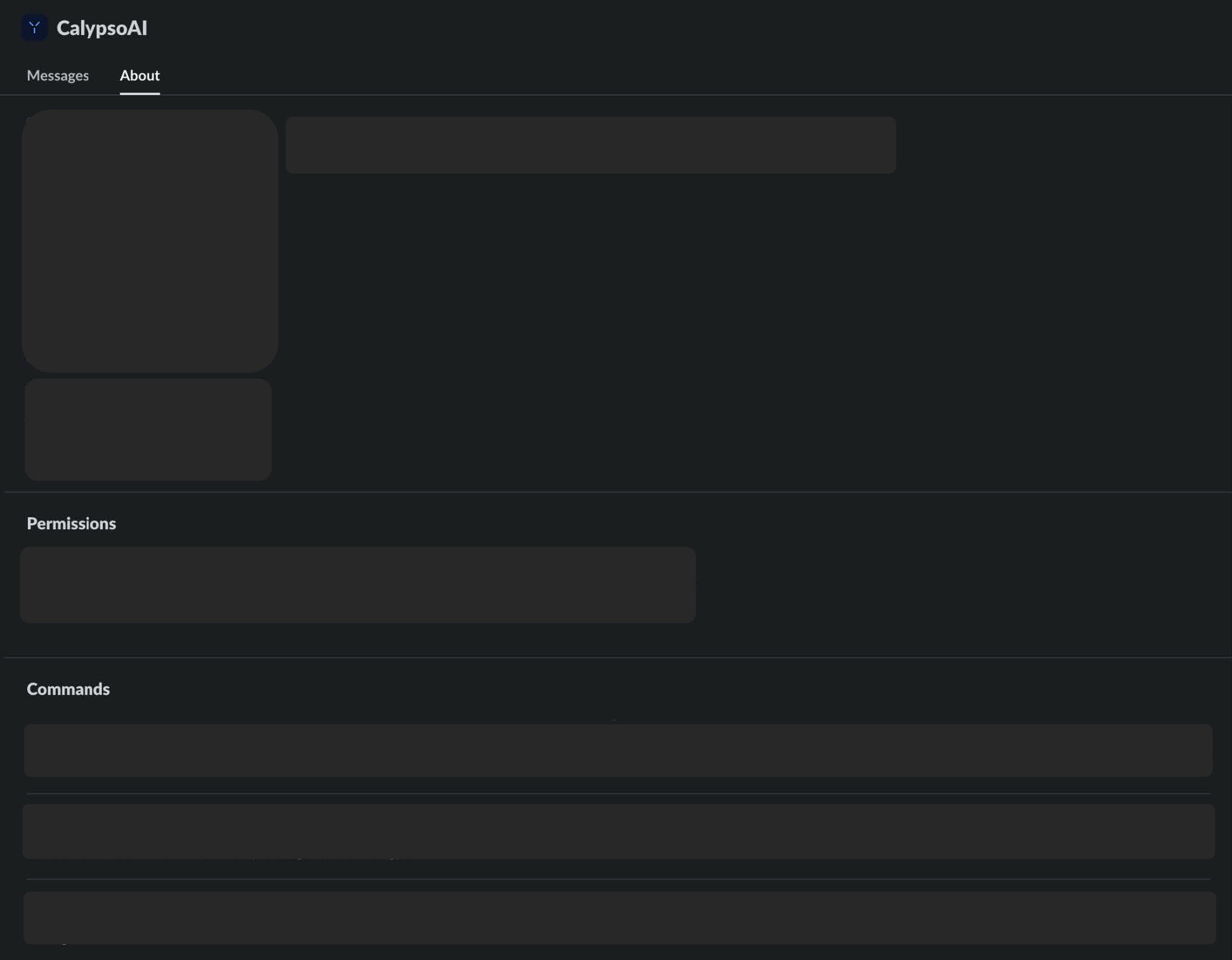
Slack About tab

Finalize the integration

Finalize the integration process by configuring the bot project's scanners, providers, and users in the AI Security web app.

To finalize the integration:

  1. Log in to AI Security.
  2. From the menu, select Projects.
  3. Select your bot project.
  4. Configure your bot project.

Your Slack integration is now complete!

Updated at: